How to Create the Perfect YouTube Thumbnail in 2026
Why Thumbnails Matter for Click-Through Rates and Views
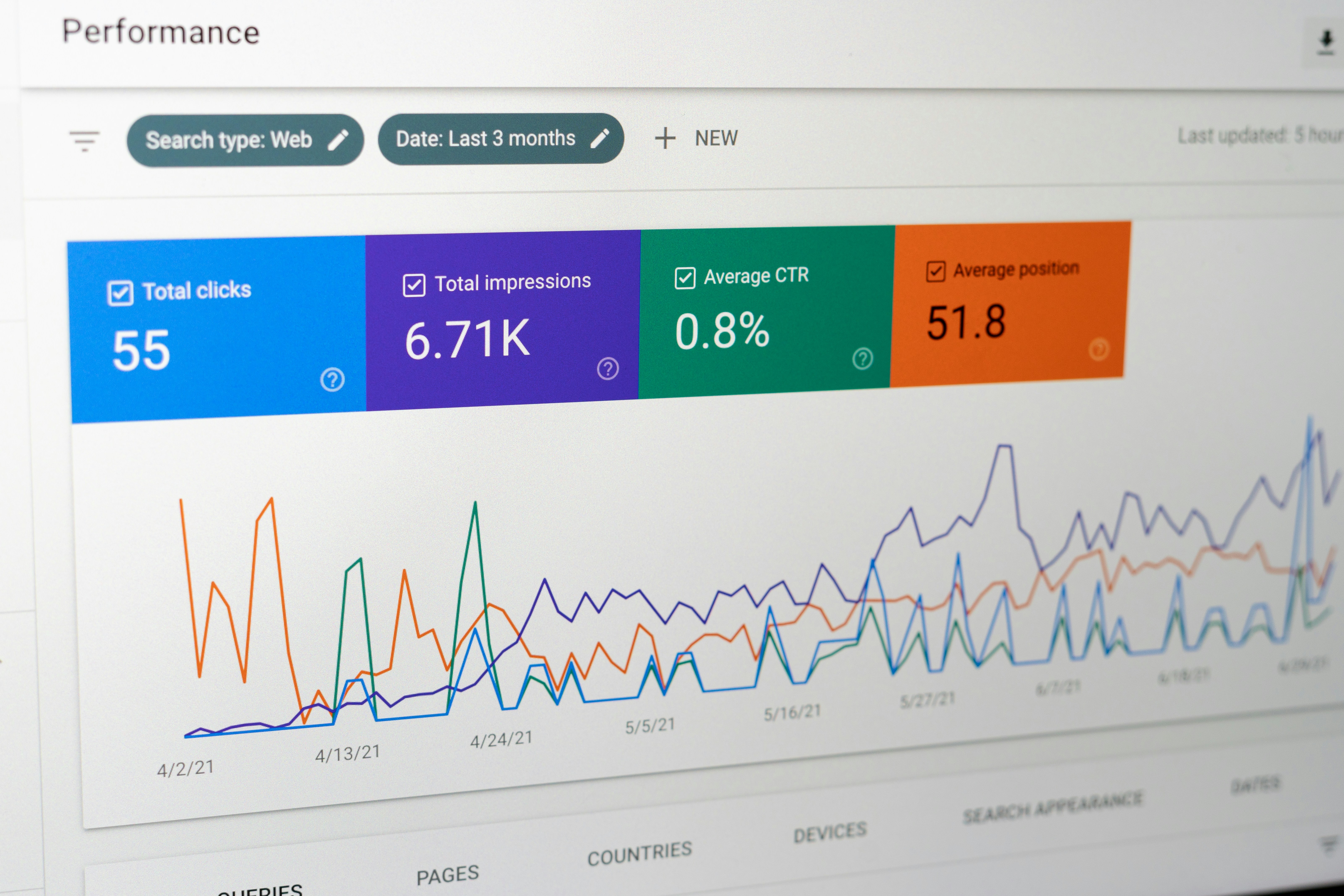
The YouTube algorithm prioritizes keeping users on the platform. The strongest signal that your video can accomplish this is a high Click-Through Rate (CTR). CTR measures the percentage of people who click your video after seeing its thumbnail in their feed. A strong thumbnail can take an average video and propel it to millions of views by forcing the algorithm to distribute it more widely.
Conversely, a poor thumbnail will bury even the best content. If your CTR is consistently below average, the algorithm assumes your content is irrelevant to the broader audience and will immediately stop suggesting it. This makes your thumbnail not just an artistic choice, but a fundamental technical requirement for channel growth and platform success.
Thumbnail Best Practices and Dimensions
Before diving into advanced psychology, you must adhere to the technical best practices. The ideal dimension for a YouTube thumbnail is 1280x720 pixels, with a minimum width of 640 pixels. It must be in a 16:9 aspect ratio and saved as a JPG, GIF, or PNG file under the 2MB size limit.
Always design your thumbnails at this high resolution to ensure they look crisp on 4K televisions, but remember to constantly zoom out to 10% during your design process to ensure they remain clearly legible on small mobile screens.
Color Psychology and Contrast
Color is the fastest way to grab attention in a crowded feed. The YouTube interface is primarily white, red, and black. Therefore, using contrasting colors like vibrant blues, bright greens, and neon yellows can make your thumbnail pop off the screen. Understanding color psychology is also vital: red implies urgency or danger, blue suggests trust and authority, while green often implies wealth or growth.
High contrast between your foreground subject and the background is non-negotiable. If your subject blends into the background, the entire image becomes muddy. Use bright outlines, drop shadows, or blurred, desaturated backgrounds to force the viewer's eye directly to the most important element of the frame.
Text and Typography in Thumbnails
Never put your entire video title inside your thumbnail. Thumbnail text should be a short, punchy 2-to-4 word hook that complements the title, rather than repeating it exactly. Use massive, bold, highly legible sans-serif fonts like Impact, Bebas Neue, or Montserrat Bold. Avoid script or highly decorative fonts, as they are completely impossible to read on mobile devices.
Place your text strategically. Avoid the bottom right corner at all costs, as YouTube overlays the video length timestamp there, which will instantly obscure your words.
Face Expressions and Emotions
Humans are biologically hardwired to look at faces, specifically the eyes. Including a highly expressive face in your thumbnail is one of the most consistent ways to increase CTR. Do not just smile politely; exaggerate the emotion. If the video is shocking, show intense surprise. If it is a sad story, show genuine despair. The viewer should know exactly how the video will make them feel just by looking at your face.
Composition and Layout Principles
A cluttered thumbnail confuses the brain and causes viewers to scroll past. Utilize the "Rule of Thirds" to place your main subjects along the intersecting lines of a 3x3 grid. Keep the composition simple: usually just one main subject, a clean background, and a few words of text. Visual hierarchy is key; the most important element (usually the face or the focal product) should be the largest object in the frame.
Avoiding Clickbait While Staying Engaging
There is a massive difference between a compelling "curiosity gap" and toxic clickbait. A curiosity gap makes a bold visual promise and delivers on it within the video. Toxic clickbait uses misleading images or arrows pointing to things that have nothing to do with the actual content. While toxic clickbait might get an initial click, the viewer will immediately leave, destroying your audience retention and signaling to the algorithm that your video is spam.
A/B Testing Thumbnails
Never assume your first thumbnail is the best option. Top creators treat thumbnails as an ongoing scientific experiment. If a video is underperforming in its first two hours, swap the thumbnail immediately. As YouTube continues to roll out native A/B testing (Test & Compare features), you can upload multiple options and let the algorithm mathematically determine the winner. Always design at least two distinct thumbnail variations before you hit publish.
Common Thumbnail Mistakes to Avoid
The most frequent mistake new creators make is over-complicating the image with too many elements or too much tiny text. Another severe view-killer is poor lighting—if your face is shadowed, blurry, and grainy, viewers subconsciously assume the video production quality will be equally poor. Finally, failing to update outdated thumbnail styles can make your channel feel stale to returning subscribers.
Tools and Software for Creating Thumbnails
You don't need to be a professional graphic designer to create great thumbnails. While Photoshop is the industry standard, tools like Canva and Figma offer powerful, user-friendly interfaces with robust automatic background-removal features. Additionally, modern creators are heavily leveraging a thumbnail downloader to study the striking visual concepts and background imagery of top-performing videos before assembling their own final product. Using an AI thumbnail tool can save hours of creative frustration.
How to Optimize Thumbnails for Mobile Viewing
Over 70% of YouTube viewership occurs on mobile devices. A thumbnail that looks incredible on a large 27-inch monitor might be a completely illegible blur on a 6-inch phone screen. Before saving your final design, zoom out until the image is the size of a postage stamp. Can you still clearly read the text? Is the emotion on the face immediately obvious? If not, you need to simplify the design, remove unnecessary elements, and dramatically increase the size of your focal points.
Consistency with Channel Branding
Your channel should look cohesive. When a subscriber scrolls rapidly past your video, they should instantly recognize it as yours before even reading the channel name. Develop a consistent brand kit for your thumbnails: use the same 1 to 2 fonts, stick to a consistent color palette, or apply a specific framing style or border. This builds visual trust and drastically increases baseline CTR from your core returning audience.
Real Examples of High-Performing Thumbnails
1. The "Before and After": A stark split screen showing a clear, massive transformation. Incredible for fitness, home renovation, or personal finance content.
2. The "Object of Desire": A high-resolution, perfectly lit image of a new product with the creator looking in absolute awe, paired with 2-word text like "Worth It?".
3. The "Extreme Minimalist": A completely blank background, one simple mysterious object, and absolutely no text. This relies entirely on generating intense psychological curiosity.
How Thumbnails Affect the YouTube Algorithm
The algorithm tracks what happens *after* the initial click. If your thumbnail creates intense intrigue and your video actually satisfies that intrigue, resulting in high watch time, the algorithm logs a highly successful interaction. It then actively pushes that video to massive "lookalike" audiences—people with similar viewing habits to your current audience. Therefore, a perfect thumbnail doesn't just win one click; it wins thousands.